





DDM Digital Diagnostic Monitoring: Complete Guide
 Feb 06, 2026|
 Last year we processed 340 RMA tickets for optical modules. Sixty-eight of them came back with "low RX power" as the complaint. After bench testing, fewer than 20% had actual receiver faults-the rest were connector contamination, excessive bend radius, or configuration issues that a five-minute check at the customer site would have caught. This article explains how DDM data helps you avoid that round-trip.
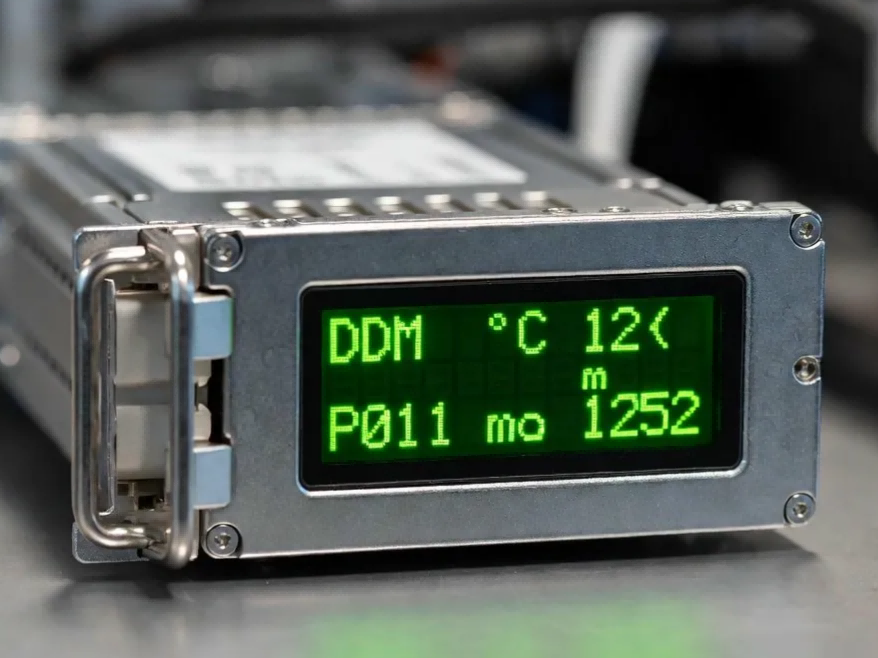
DDM-Digital Diagnostic Monitoring, also labeled DOM by some vendors-is the telemetry interface defined by SFF-8472 that lets the host device read five parameters from the transceiver's internal microcontroller: temperature, supply voltage, laser bias current, TX power, and RX power. The specification defines what gets reported, not how accurately each vendor implements the measurement. That accuracy gap is where procurement and field troubleshooting problems start.
What Each Parameter Actually Tells You
Temperature
Temperature reflects the die temperature inside the transmitter assembly, not ambient rack temperature. A reading that drifts 8–10 °C above baseline under identical traffic usually points to airflow obstruction or thermal crosstalk from adjacent modules. We have seen sudden temperature spikes in deployments using Zabbix with aggressive SNMP polling intervals-this turned out to be register read timeouts causing false readings, not real thermal events. Checking your NMS polling configuration before swapping modules can save a wasted truck roll.
Laser Bias Current
Laser bias current is the parameter we watch most closely during production. As a laser diode ages, its quantum efficiency drops, and the automatic power control loop pushes more current to compensate. We record each module's bias current baseline during burn-in and include it on the test report shipped with every order. Customers who set NMS alerts against that baseline-rather than against a generic threshold-catch degradation months before TX power actually falls out of spec.
TX power confirms whether the transmitter is hitting its target output window. Low TX almost always points to the local module. High TX, while rare, can overdrive the far-end receiver on very short links and cause bit errors that look like fiber problems.
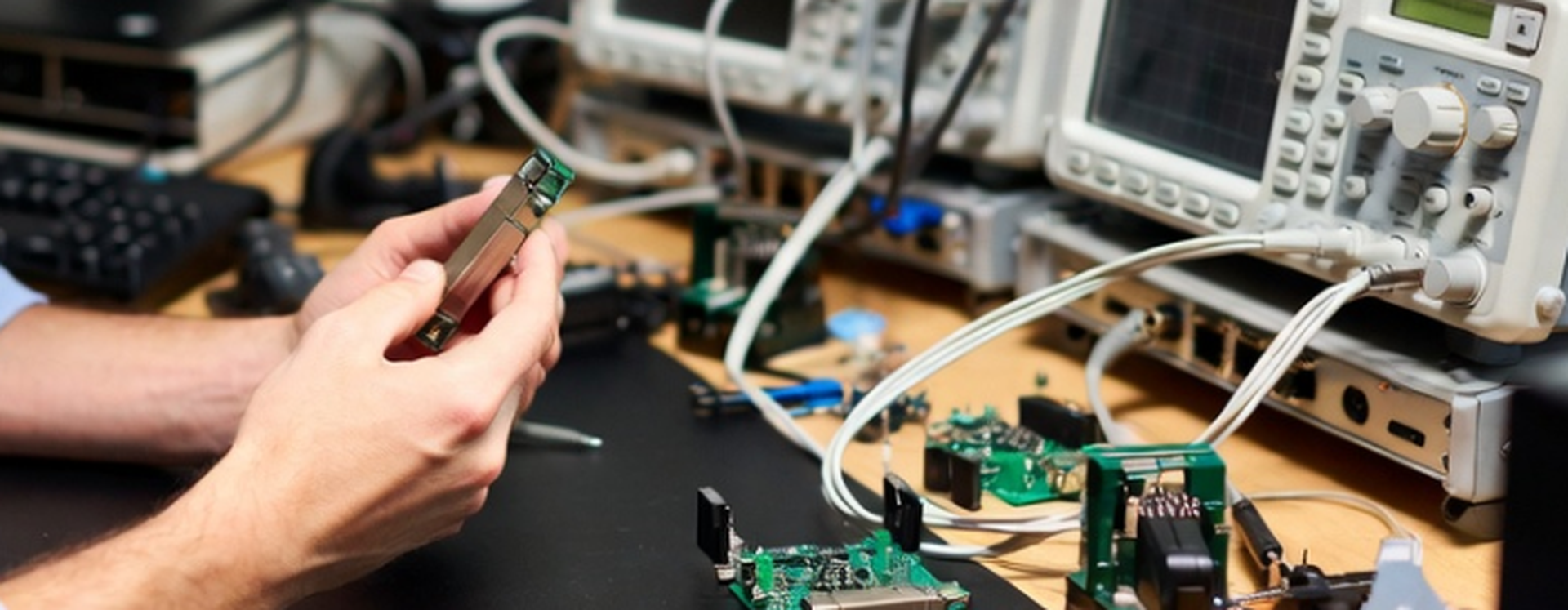
The most misinterpreted metric is RX power. A low-RX alarm tells you the arriving signal is weak, but it says nothing about where the loss occurred: dirty connector, macrobend, failing remote transmitter, or genuine local receiver fault. Our 2024 RMA data on 10G SFP+ and 25G SFP28 lines showed that the majority of "low RX" complaints traced to cabling or connector issues. A simple loopback test before shipping anything back would have caught most of them.
Supply voltage rarely alarms in healthy deployments. When it does drift outside 3.3 V ± 5%, the issue is almost never the module itself. We have traced most voltage alarms to marginal cage contacts or host switch power rail problems rather than transceiver faults.
A Diagnostic Sequence That Saves Swap Cycles
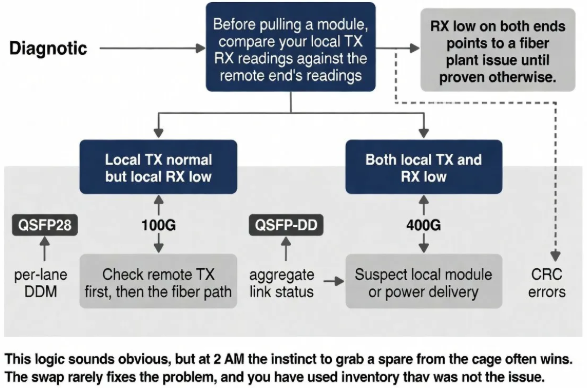
Before pulling a module, compare your local TX and RX readings against the remote end's readings.
Local TX normal but local RX low means you should check remote TX first, then the fiber path. If both local TX and RX are low while remote readings are normal, suspect local module or power delivery. RX low on both ends points to a fiber plant issue until proven otherwise.
This logic sounds obvious, but at 2 AM the instinct to grab a spare from the cage often wins. The swap rarely fixes the problem, and you have used inventory that was not the issue.
QSFP28 and QSFP-DD modules running 100G or 400G add another layer. These transceivers report per-lane DDM, meaning a single degraded lane out of four or eight can cause intermittent CRC errors while aggregate link status stays up. If you are troubleshooting a 400G link without checking lane-level power splits, you are guessing.
Threshold Configuration in Practice
Factory thresholds embedded in EEPROM are designed for broad compatibility, not your specific link budget. A 10 km LR module's default RX-low alarm might sit at −14 dBm, but if your actual deployment needs −11 dBm to maintain acceptable BER after connector aging, the default offers warning only after errors have already started.
In 40-channel DWDM systems where mux/demux insertion loss accumulates to 18–22 dB across the path, the 100G ER4 default threshold of −23 dBm gives you almost no margin warning. We recommend −20 dBm for these deployments. For short intra-rack links where modules operate well above sensitivity, loosening thresholds avoids nuisance alarms that train operators to ignore real problems.
What DDM Cannot Do
DDM accuracy is bounded by SFF-8472, not by lab-grade instrumentation. Our production testing targets ±1.5 dB accuracy for optical power readings, and we can provide the calibration data on request. This level of accuracy is useful for trend detection and relative comparison, but when link budget margins are tight, a calibrated power meter remains the only ground truth.
DDM also cannot locate a fault inside the fiber path. It tells you how much power arrived; OTDR testing is required to pinpoint a bad splice, a stressed bend, or a contaminated patch panel.
Third-party and compatible optics introduce a separate variable. Modules with frozen DDM readings that never change regardless of link conditions, or with vendor OUI fields showing all zeros, should be treated as suspect before trusting the power values.
Visual Fault Locator: The First-Line Troubleshooting Tool
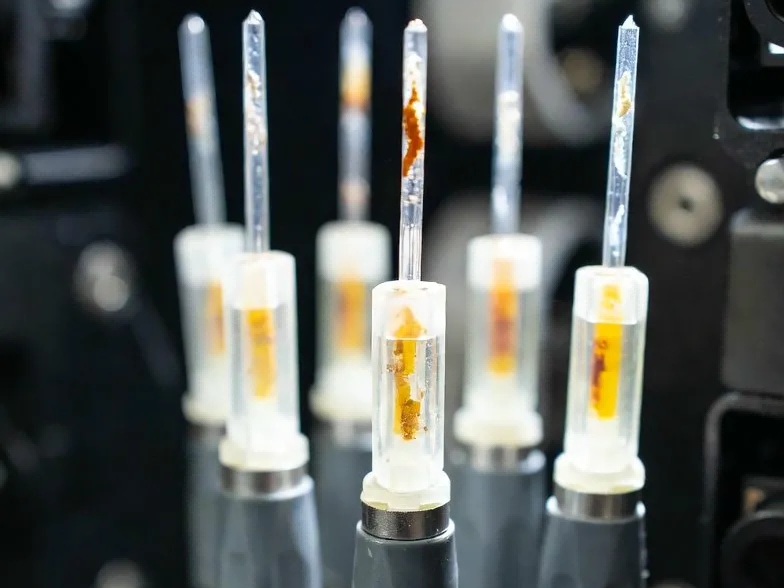
A Visual Fault Locator (VFL), also called a visual fault identifier (VFI) or fiber fault detector, is a portable fiber optic testing tool that injects visible red laser light (typically 650 nm) into the fiber to locate breaks, bends, bad splices, or damaged connectors. When the laser encounters a fault, light escapes through the fiber jacket and becomes visible to the naked eye, allowing technicians to pinpoint the problem location within seconds.
While OTDR provides precise distance measurements and loss profiles, a VFL serves as the faster, cheaper first-line diagnostic. In our experience, pairing DDM readings with a quick VFL check before pulling modules eliminates most unnecessary swap cycles. If DDM shows low RX power, connect a VFL at the far end and walk the cable run-a glowing red spot through the jacket often reveals the culprit faster than running full OTDR traces.
VFLs work effectively on single-mode and multimode fiber up to 5–10 km depending on output power (1 mW to 30 mW models available). For patch cords, splice trays, and distribution frames-exactly where most "low RX" complaints originate-a VFL is often all you need.
Incoming Inspection: How to Verify DDM Before Deployment
When evaluating transceiver suppliers for bulk orders, DDM implementation quality deserves the same scrutiny as optical performance. Here is a bench check we recommend:
Insert the module into a test switch and record baseline DDM readings at room temperature. Connect a calibrated 3 dB attenuator on the RX path. The DDM RX power reading should drop by approximately 3 dB. If the reading does not change, or changes by an implausible amount, the module's DDM calibration is suspect.
We ship each module with a test report showing its factory DDM baseline. You can compare incoming readings against that baseline to verify consistency before the module goes into production. If you want to see what our test reports look like before placing an order, contact us for a sample.
Frequently Asked Questions
Q: How accurate is your DDM calibration, and can I get the test data?
A: Our production standard is ±1.5 dB for optical power measurements. Every module ships with a test report showing its baseline readings. We can also provide batch calibration summaries for larger orders.
Q: What should I do if incoming DDM readings do not match your test report?
A: First run the 3 dB attenuator check described above to rule out your test setup. If the discrepancy persists, contact us with the serial number and your readings. We will cross-check against our factory records and arrange replacement if needed.
Q: Do you support custom DDM threshold programming?
A: Yes. For customers deploying in DWDM or other high-insertion-loss environments, we can pre-program adjusted warning and alarm thresholds before shipment. Contact our engineering team with your link budget requirements.
Q: How do I identify modules with unreliable DDM?
A: Frozen readings that do not respond to attenuation changes, all-zero vendor OUI fields, or thresholds that look like generic templates are the main red flags. The inspection method in this article will catch most of these before deployment.