





Optical Link Budget Calculation: Step-by-Step Guide
 May 16, 2026|
 Why Your SFP's Distance Rating Is Not a Link Budget
A 10 km SFP does not guarantee a 10 km link. That number on the label assumes factory-fresh fiber, zero patch panels, clean connectors, and no splices, conditions that exist precisely nowhere in production networks. The actual distance your optical signal can travel depends on a single calculation: the optical link budget.
At its core, the link budget answers one question: does the transmitter send enough optical power to reach the receiver after every loss along the fiber path? If yes, the link works. If no, you get intermittent errors, rising bit error rates, or a connection that refuses to come up at all.

A distinction worth making. Most guides blur the line between two related but distinct concepts. The power budget is a property of your transceivers: the gap between minimum transmitter output power and minimum receiver sensitivity, measured in dB. The loss budget is a property of your cable plant: the estimated total attenuation from connectors, splices, fiber length, and any passive components in the path. The link works when the power budget exceeds the loss budget by a comfortable margin. Conflating these two concepts, as many references do, leads to sloppy calculations and unexpected field failures (Fiber Optic Association).
A transceiver rated at 10 km with a 6.3 dB power budget can fail on a 7 km path once you count four patch panels and three fusion splices. The transceiver datasheet gives you the power budget. But the loss budget requires you to know your actual fiber plant: how long the cable really runs (not the map distance), how many connectors sit in the path, whether splices are fusion or mechanical, and what condition the fiber is in. That gap between specification and field reality is exactly where optical link budget calculation prevents deployment failures.
The Optical Link Budget Calculation Formula: Every Parameter Explained
The optical link budget calculation formula is straightforward:
Link Budget (dB) = Tx Power (min) − Rx Sensitivity (min)
And the viability check:
Link Budget ≥ Total Link Loss + Safety Margin
Where Total Link Loss = fiber attenuation + connector losses + splice losses + any additional component losses.
Transmitter Power (Tx min)
The lowest optical output power your transceiver will produce under any operating condition, stated in dBm. For a 100GBASE-LR4 QSFP28, this is typically around −4.3 dBm per lane (IEEE 802.3ba). For a 10G SFP+ LR module, expect around −8 dBm minimum.
Fiber Attenuation
Varies by fiber type and operating wavelength. Standard single-mode fiber (ITU-T G.652 single-mode fiber specification) attenuates roughly 0.35 dB/km at 1310 nm and 0.25 dB/km at 1550 nm. Multimode OM3/OM4 fiber runs 2.5–3.5 dB/km at 850 nm.
Splice Loss
Fusion splices run 0.1–0.3 dB each under good field conditions. Mechanical splices are significantly worse: 0.7–1.5 dB each.
Receiver Sensitivity (Rx min)
The weakest signal the receiver can detect while maintaining acceptable bit error rate (usually 10⁻¹²). A 10G SFP+ LR receiver commonly specifies −14.4 dBm sensitivity. A 100GBASE-LR4 receiver may require at least −10.6 dBm per lane.
Connector Loss
Industry planning values: 0.5 dB per mated pair for SC, LC, or ST connectors; up to 0.75 dB for MPO/MTP multi-fiber connectors. Contamination can add 1–3 dB per mated pair.
Safety Margin
Industry standard: 3 dB minimum for normal links, 6 dB for mission-critical infrastructure. The absolute floor is approximately 1.7 dB - anything below that means your link is one dirty connector away from failure.
Two Worked Examples: Campus SMF and DWDM Metro
Scenario A: 10 km Enterprise Campus - Single Mode Fiber Link Budget with 100G QSFP28 LR4
Known Parameters:
The transceivers are 100GBASE-LR4 QSFP28 modules with verified minimum Tx and Rx parameters. The fiber plant uses OS2 single-mode fiber at 1310 nm, routed through underground conduit between two buildings. Measured cable path: 10.2 km. The path includes 4 mated connector pairs and 3 fusion splices.
| Power Budget (Tx min - Rx sensitivity) | 6.3 dB |
| Fiber loss: 10.2 km × 0.35 dB/km | 3.57 dB |
| Connector loss: 4 pairs × 0.5 dB |
2.0 dB |
| Splice loss: 3 × 0.15 dB |
0.45 dB |
| Total link loss |
6.02 dB |
| Power margin |
0.28 dB |
Scenario B: 60 km DWDM Metro Link, 10G SFP+ ZR with Mux/Demux
Known Parameters:
The link uses 10G SFP+ ZR transceivers (power budget: 23 dB) operating at 1550 nm over leased dark fiber. A 16-channel DWDM mux/demux sits at each end. 60 km length, 0.25 dB/km attenuation, 4 splices, 6 connector pairs.
| Power Budget (from ZR transceiver spec) | 23 dB |
| Fiber loss: 60 km × 0.25 dB/km | 15.0 dB |
| Mux/demux loss (both ends): 2 × 2.25 dB | 4.5 dB |
| Splice loss: 4 × 0.15 dB | 0.6 dB |
| Connector loss: 6 pairs × 0.5 dB | 3.0 dB |
| Total link loss | 23.1 dB |
| Power margin | −0.1 dB |
Verdict: Negative margin. This link will not work reliably, despite the ZR transceiver being "rated for 80 km." The mux/demux insertion loss pushes the total loss past the transceiver's budget. The fix here is to either add an EDFA optical amplifier to recover the metro link power deficit or switch to a coherent transceiver.
The Loss Numbers That Most Fiber Optic Loss Budget Analyses Get Wrong
Fiber routing overhead
Cable route length is not map distance. Fiber follows duct banks, riser shafts, and overhead trays. In campus deployments, expect the actual cable path to run 20–30% longer than the straight-line distance between endpoints. In multi-story buildings with floor-to-floor routing, the overhead can exceed 40%.
Dispersion penalty at 10G and above
Dispersion at 10 Gbps over multimode fiber create a Transmitter and Dispersion Eye Closure (TDEC) penalty that eats 3–4 dB of your budget. If your existing OM4 plant's modal bandwidth rating falls below the 4700 MHz·km threshold required for 100GBASE-SR4, budget an additional 1.5–2.0 dB dispersion penalty.
Connector contamination
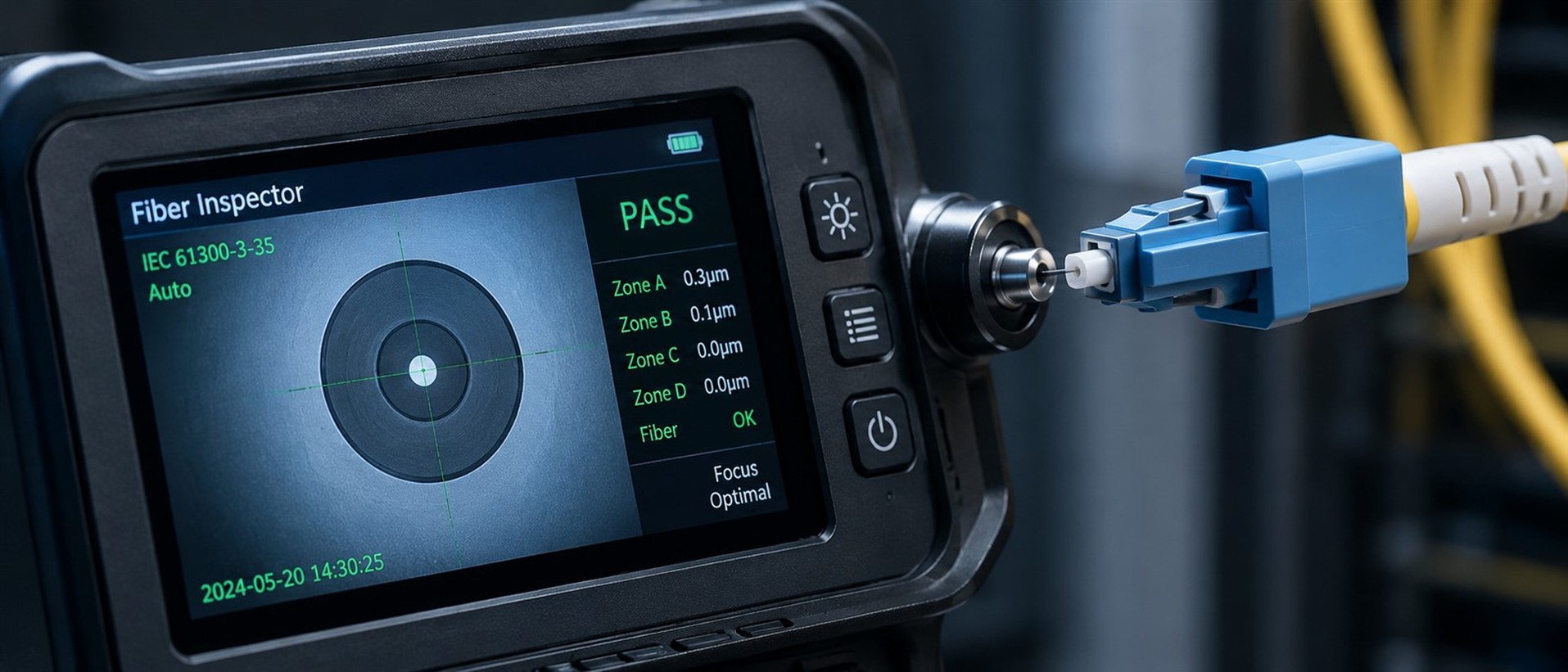
Clean connectors contribute 0.3–0.5 dB loss. Contaminated connectors can add 1–3 dB per mated pair, enough to consume your entire safety margin in a single contact point. Connector contamination is consistently cited as the leading cause of physical-layer fiber link failures.
Receiver overload
Short fiber runs with high-power transmitters can saturate the receiver photodiode, causing bit errors that look identical to a weak-signal failure. Maximum input power specs vary significantly between module families and form factors.
Seven Optical Link Budget Calculation Mistakes That Cause Field Failures
Mistake 1: Using typical Tx power instead of minimum.
Always design to minimum Tx and minimum Rx sensitivity, no exceptions. The 2 dB gap between typical and minimum is exactly the difference between a link that works in the lab and fails in production.
Mistake 2: Omitting safety margin entirely.
Without 3 dB minimum margin, you are designing a system with a predetermined expiration date. Component aging and future maintenance will degrade the path over time.
Mistake 3: Trusting the distance rating instead of calculating.
A '10 km' module rating assumes ideal conditions. Your actual path has patch panels, cable routing overhead, and aged fiber.
Mistake 4: Using map distance instead of cable route length.
Fiber does not travel in straight lines. A 5 km map distance regularly translates to 6–7 km of actual cable path.
Mistake 5: Ignoring dispersion penalty on high-speed multimode links.
The usable channel insertion loss is always less than the raw power budget at speeds where dispersion becomes significant (10G and above).
Mistake 6: Mixing fiber types.
Pairing a single-mode transceiver with multimode fiber (or vice versa) causes catastrophic mode mismatch loss.
Mistake 7: Never verifying the calculation with field measurements.
A loss budget is an estimate. After installation, you must measure the actual link loss with an optical power meter or OTDR and compare it against your calculated budget.
Quick-Reference: Fiber Optic Loss Parameters for Link Budget Calculation
| Parameter | Value | Notes |
|---|---|---|
| SMF attenuation @ 1310 nm | 0.35 dB/km | ITU-T G.652; TIA-568 spec allows up to 0.5 dB/km |
| SMF attenuation @ 1550 nm | 0.25 dB/km | Lowest-loss window; used for long-haul and DWDM |
| MMF attenuation @ 850 nm | 2.5–3.5 dB/km | OM3/OM4; TIA spec 3.5 dB/km max |
| MMF attenuation @ 1300 nm | 0.8–1.0 dB/km | Rarely used in modern deployments |
| SC/LC/ST connector (clean) | 0.3–0.5 dB per mated pair | Use 0.5 dB for worst-case planning |
| MPO/MTP connector | 0.5–0.75 dB per mated pair | Higher due to multi-fiber alignment |
| Fusion splice | 0.1–0.3 dB | Well-executed field splice; lab splices < 0.05 dB |
| Mechanical splice | 0.7–1.5 dB | Avoid in loss-sensitive designs |
| DWDM mux/demux (16-ch) | 2.0–4.5 dB per unit | Varies significantly by channel and manufacturer |
| Safety margin (standard) | 3.0 dB | Minimum for normal enterprise links |
| Safety margin (mission-critical) | 6.0 dB | Recommended for links requiring 99.999% uptime |
| Safety margin (absolute floor) | 1.7 dB | Below this, link viability is not assured |
This table consolidates values from TIA/EIA-568, ITU-T G.652, IEEE 802.3, and FOA reference materials.
How to Verify Your Optical Link Budget Calculation After Deployment
A link budget is a prediction. Deployment is where reality votes. Two verification methods are standard practice.
OTDR testing
An OTDR (optical time-domain reflectometer) provides a spatial map of every event along the fiber: connectors, splices, bends, and breaks. Comparing the OTDR trace reveals components exceeding expected loss.
Power meter + Calibrated source
Measures total end-to-end insertion loss. Connect the source at one end, measure received power at the other, and compare to the transceiver's budget.
After verifying the physical plant, enable Digital Diagnostic Monitoring (DDM) for real-time optical power and module health tracking. DDM reports real-time Tx power, Rx power, bias current, and module temperature. A healthy 10G SFP+ LR module might show a comfortable margin. If Rx power drifts over months, it signals degradation. Module-specific DDM alarm threshold values are in each product datasheet's diagnostic monitoring interface (DMI) section. Understanding how transceiver DDM functions work at the hardware level helps you interpret these readings correctly.
Matching Transceiver Selection to Your Link Budget Result
The link budget calculation tells you whether your current transceivers can handle the link. When they cannot, the calculation drives transceiver form factor and reach-class selection.
If your calculated margin falls below 3 dB, treat the budget as failed and move to the next transceiver power class. Below 1.5 dB, no field variable will reliably rescue the link. Moving from an LR (10 km class) to an ER (40 km class) module increases the power budget from roughly 6 dB to 20+ dB, providing dramatically more headroom.
If dispersion is the limiting factor rather than raw power, selecting transceivers with integrated electronic dispersion compensation (EDC) or switching to a wavelength with lower fiber dispersion (e.g., 1310 nm on G.652 fiber) may resolve the issue.
The key principle: the optical link budget calculation comes first, the transceiver purchase order comes second. FB-LINK tests every transceiver at 0°C, 25°C, and 70°C operating temperatures and publishes worst-case Tx and Rx values at each point. Browse the 100G QSFP28 range or 400G QSFP-DD portfolio for modules with full thermal-characterized parameters.
FAQ
Q: What is the formula for optical link budget calculation?
A: Link Budget (dB) = Minimum Tx Power (dBm) − Minimum Rx Sensitivity (dBm). The link is viable when this value exceeds total path loss plus a safety margin of at least 3 dB.
Q: Why shouldn't I rely on the distance rating printed on my SFP module?
A: The distance rating assumes ideal fiber conditions with minimal connectors and no splices. Real deployments include patch panels, routing overhead, and aging effects that add loss.
Q: What safety margin should I include in my link budget?
A: Standard practice is 3–6 dB. Mission-critical links should use 6 dB or more. The absolute minimum for any link is approximately 1.7 dB.
Q: How does dispersion affect the optical link budget at 10G and above?
A: Chromatic and modal dispersion create a power penalty that reduces the usable portion of the power budget. Dispersion penalties can leave significantly less room for actual cable plant loss.
Q: How do I verify my link budget after installation?
A: Use an OTDR to map individual events or an optical power meter for total end-to-end loss. Monitor transceiver DDM readings for ongoing health.
Need expert validation of your link budget?
Contact our team for a professional optical link budget review and transceiver selection advice tailored to your deployment.